As well as answering calls, booking appointments and taking messages, BelBuddy can carry out tasks. You turn them on at app.belbuddy.eu under Settings › BelBuddy tasks.
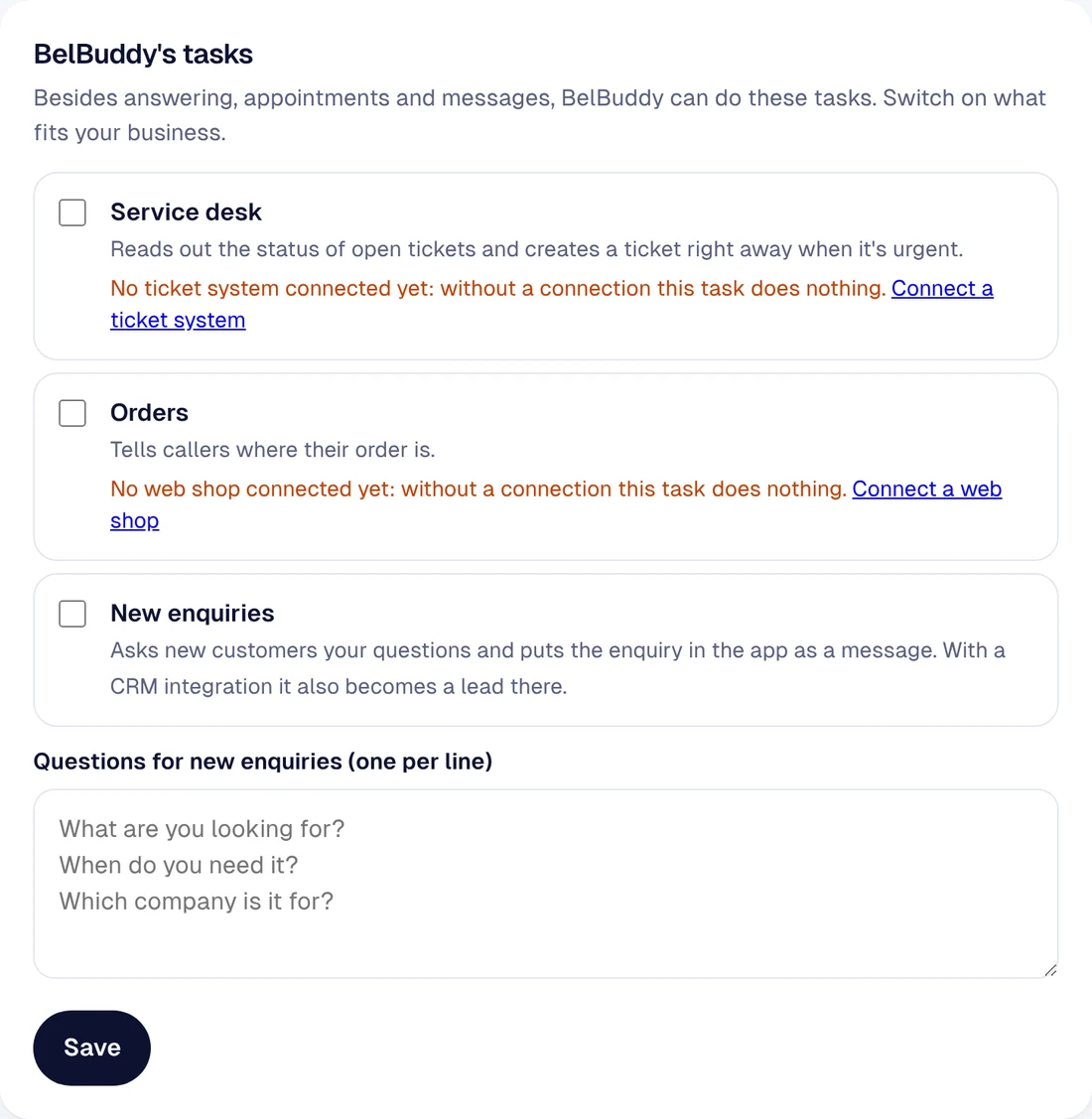
Service desk
BelBuddy recognises callers by their number, reads out the status of open tickets and creates a ticket straight away for urgent issues. To do this, first connect your ticketing system. See Connecting a CRM or ticketing system.
Orders
BelBuddy tells callers where their order is, but only with the order number plus a postcode, email address or the same phone number. To do this, first connect your online shop. See Connecting your online shop.
New leads
BelBuddy asks new customers your own questions, one per line, and saves the request as a message in the app. With a CRM integration, it is also added there as a lead.
Need more help?
Email [email protected] or ask your question in the chat at the bottom right. We're happy to help, including with setup.