Sign up
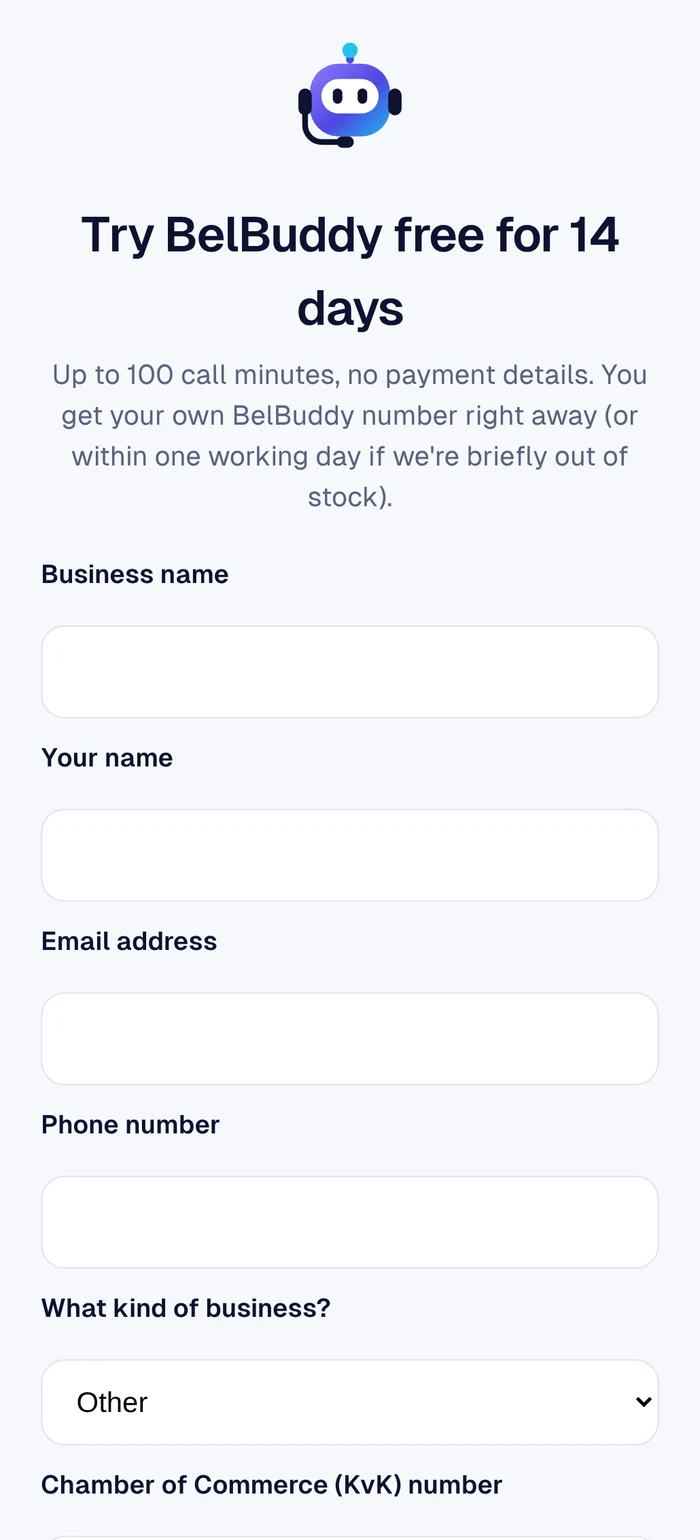
On belbuddy.eu, choose Try for free. Enter your company name, your name and email address, and choose what type of business you have. You will receive a 6-digit code by email to log in.
Your BelBuddy number
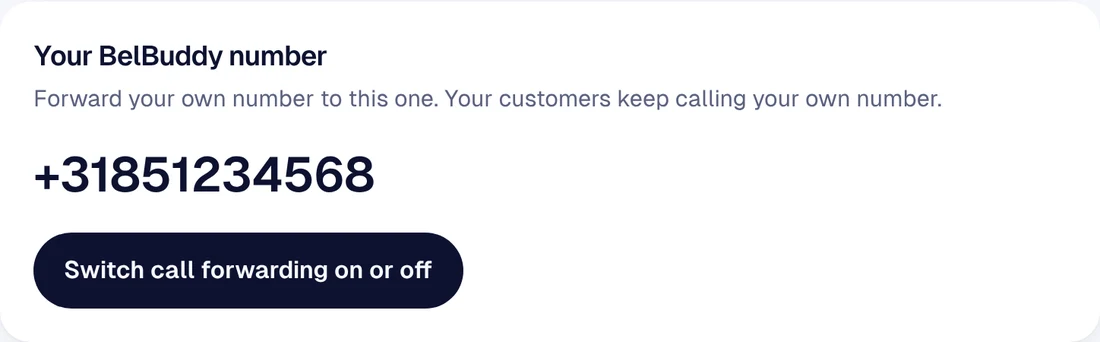
You get your own BelBuddy number straight away, or within one working day if we are temporarily out of stock. You will find the number under Settings. Your customers simply keep calling your own number.
Tell BelBuddy about your business
Enter your opening hours and what BelBuddy may tell callers about you: address, services, prices and frequently asked questions. BelBuddy only uses what you enter there. See Tailoring BelBuddy to your business.
Connect your calendar
Would you like BelBuddy to book appointments? Connect your Outlook, Google, iCloud or Yahoo calendar. See Connecting your calendar.
Turn on call forwarding
Forward calls from your own number to BelBuddy, for example only when you don't answer. It takes one button on your phone. See Call forwarding.
Call yourself
Call your own number from another phone and don't answer. BelBuddy picks up. After the call, the note appears in the app and you receive an email.
Need help?
Email [email protected] or ask your question in the chat at the bottom right. We are happy to help, including with the setup.