Everything is under Settings. BelBuddy only uses what you enter there and never makes anything up.
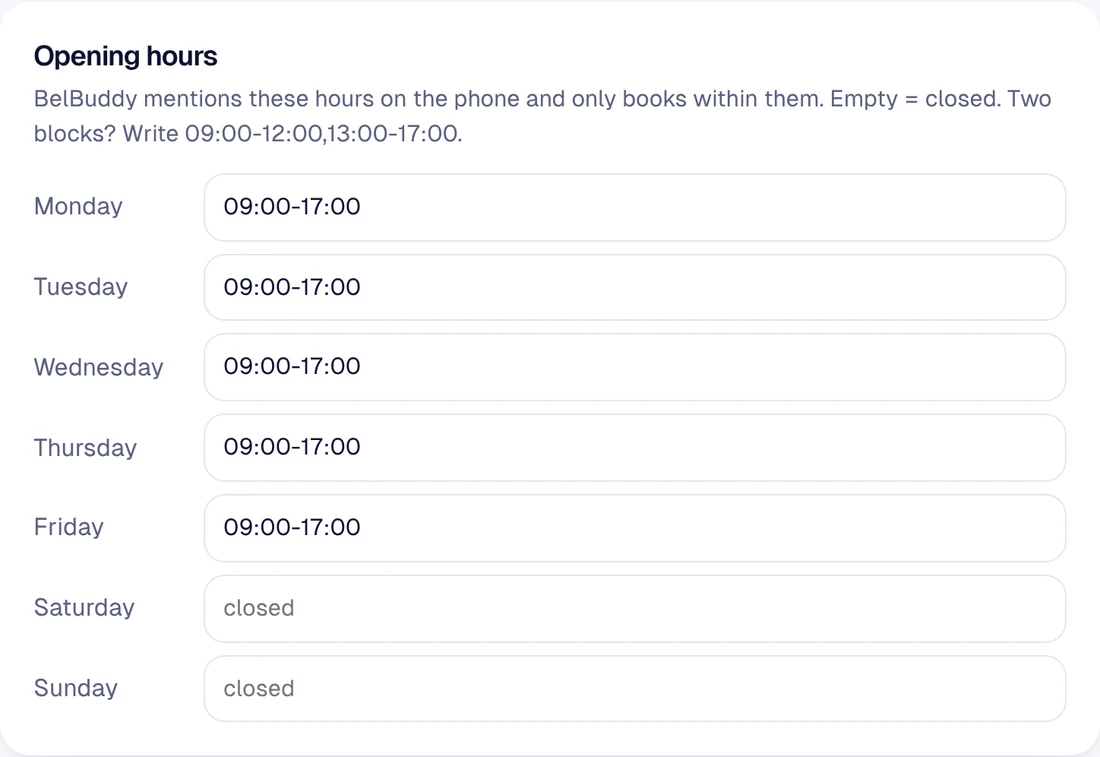
Opening hours
BelBuddy mentions these hours on the phone and only books within them. Empty means closed. Two blocks in one day? Write 09:00-12:00,13:00-17:00.
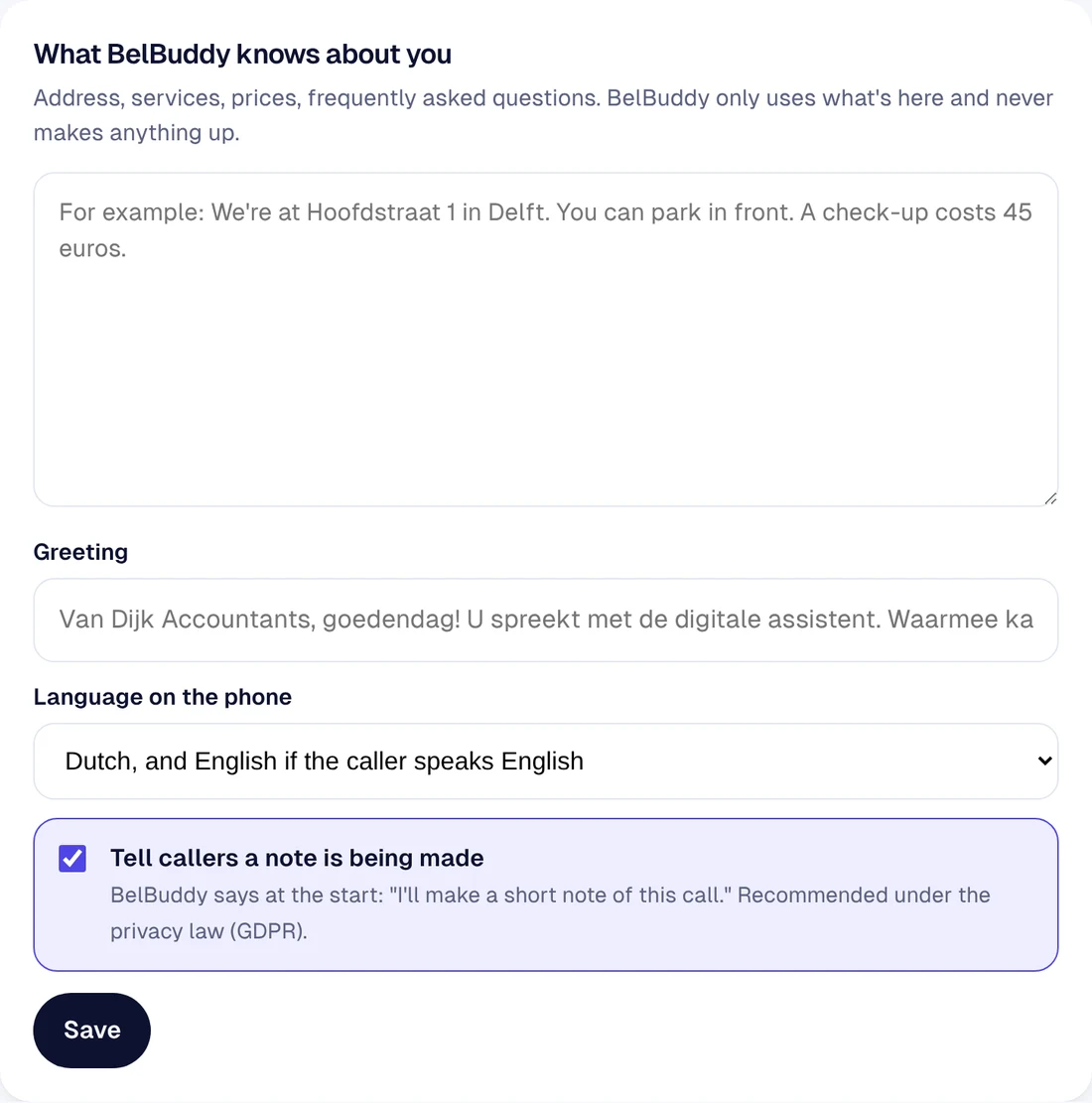
What BelBuddy knows about you
Address, parking, services, prices, frequently asked questions: write it the way you would say it on the phone. This is also where you choose the opening line and the language used on the phone.
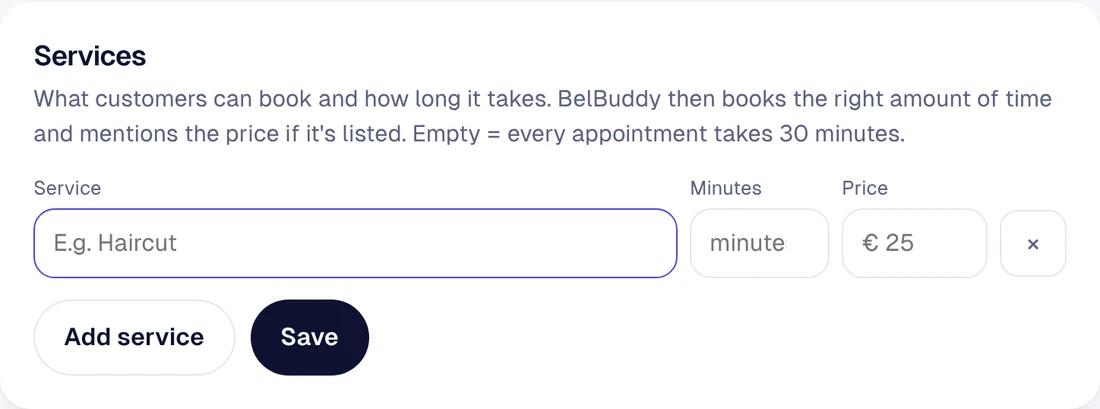
Services
What customers can book with you and how long it takes. BelBuddy then schedules the right amount of time and mentions the price if one is listed.
Questions and answers
If BelBuddy didn't know something, the question appears in the note, with a button to give the answer. From then on, BelBuddy knows it. Here you can edit those answers or add your own.
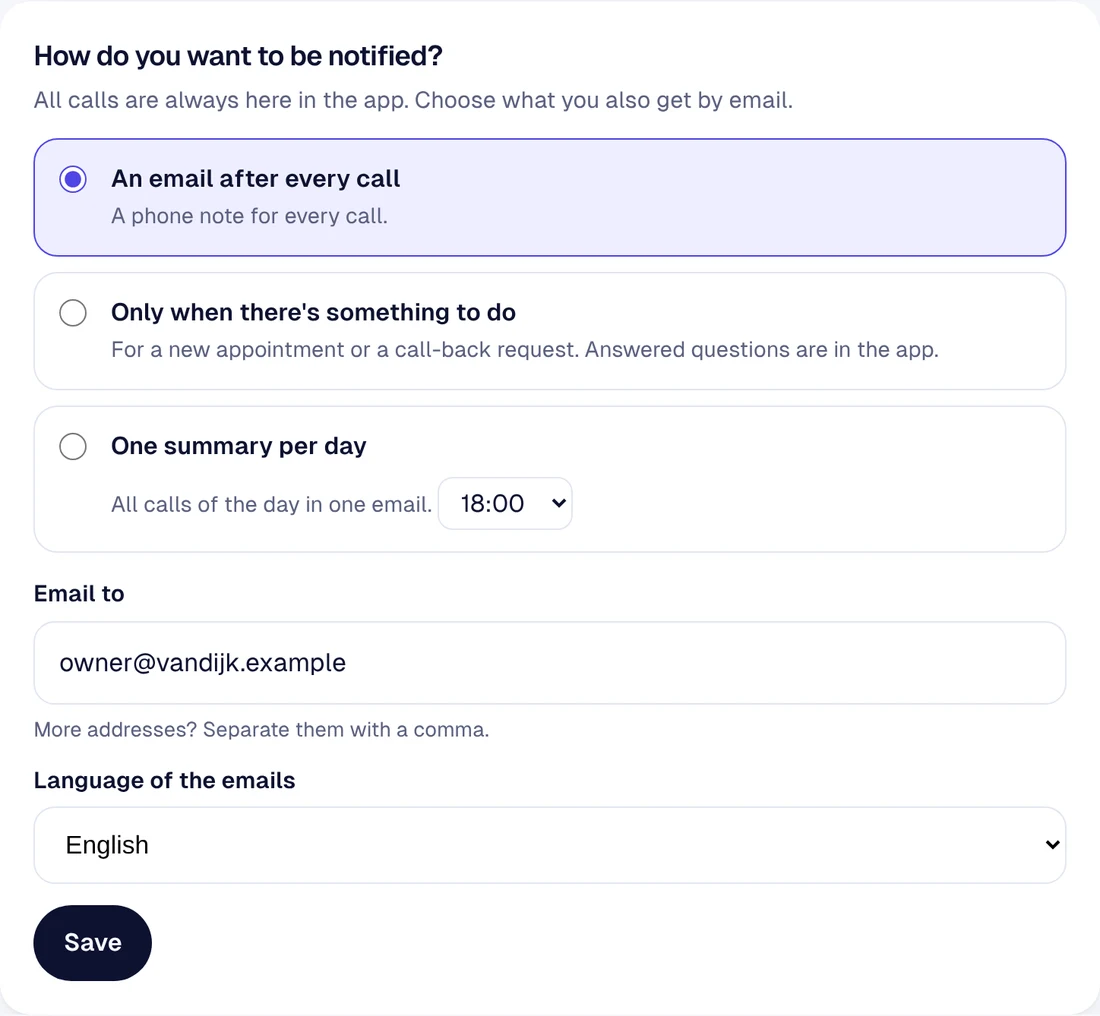
How do you want to be notified?
All calls are always in the app. Choose what you also receive by email: after every call, only when there is something to do, or one summary per day. More email addresses? Separate them with a comma.
Holidays and closed days
On these days BelBuddy books nothing and tells callers that you are closed.
Privacy and data
Choose how long BelBuddy keeps calls, from 30 days to 2 years. Older calls are deleted automatically every night. You can download all calls as a CSV file.
Still stuck?
Email [email protected] or ask your question in the chat at the bottom right. We're happy to help, including with setup.