With an API key, your own software can retrieve calls and notes from BelBuddy. Your developer will find the technical documentation at belbuddy.eu/en/developers.
Open Integrations on your computer
Log in at app.belbuddy.eu, choose Settings and then Manage integrations.
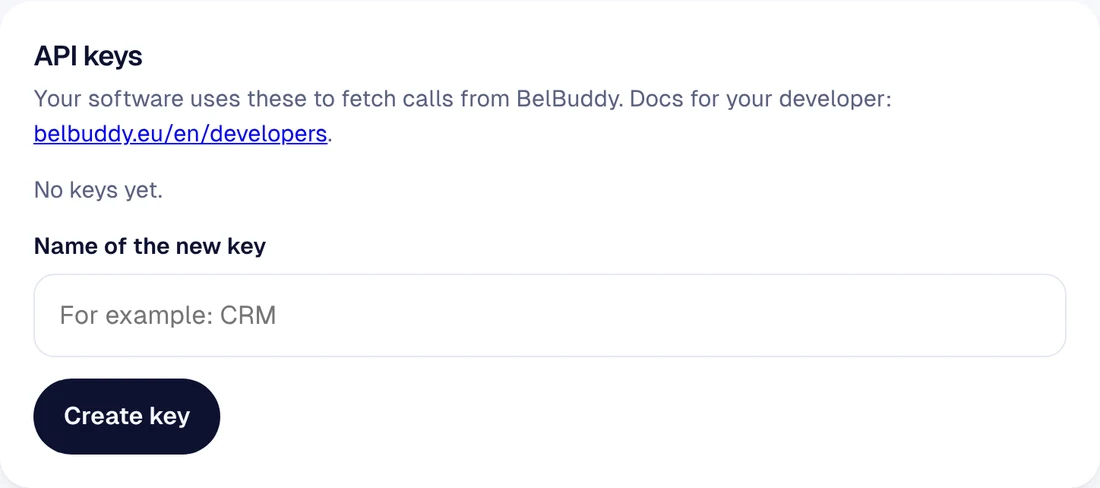
Give the key a name
Under API keys, give the key a name you will recognise, for example CRM, and choose Create key.
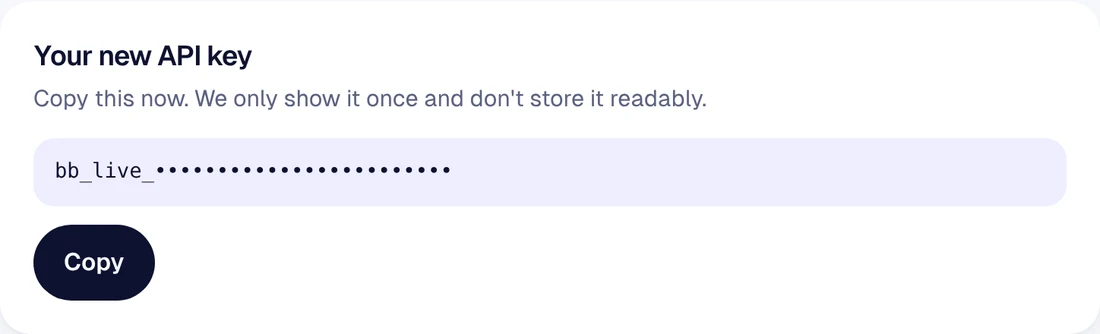
Copy the key straight away
The key is shown only once. Choose Copy and pass it on to your developer, for example via a password manager. Avoid sending it by ordinary email.
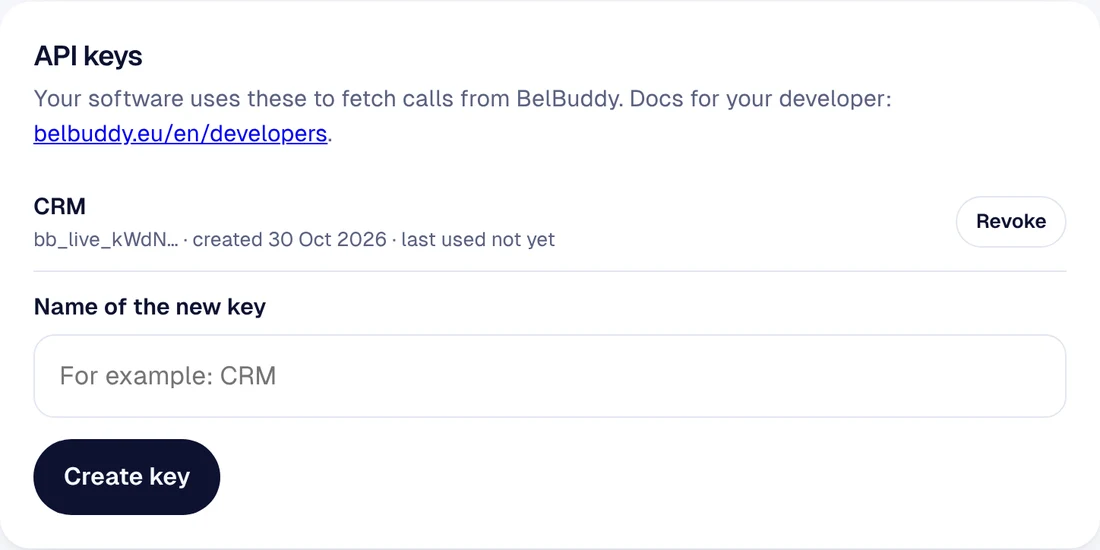
Revoking a key
Choose Revoke next to the key. Any software using it will stop working immediately. For each key, you can see when it was last used.
Plan: the API is included in Team. A key belongs to one business and gives read-only access.
Need help?
Email [email protected] or ask your question in the chat at the bottom right. We are happy to help, including with the setup.